Posted: 2026-03-08
Last updated: 2026-03-09
|
One of the things I really hate about Windows 8/8.1 is that when I want to use dark colors, the text in the titles and buttons is not being inverted, which makes it uncomfortable when I see this crap like this for a long time.
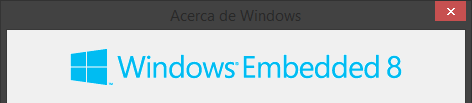
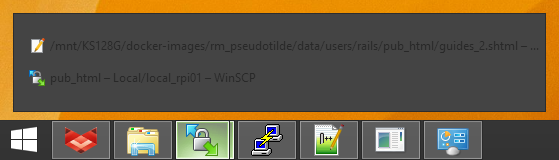
After searching for an answer to this problem on the Web, I finally found some forum posts, a YouTube video and this theme on DeviantArt from 50 years ago (2012-2014) that solved this issue I was having.
So, in order to prevent this information from being lost over time, I decided to write this short guide about this.
Installing required programs §
For this, you'll need these programs:
- UxStyle
Unfortunately, the official website of this software (uxstyle.org) closed in 2019. This is the latest version that was on Wayback Machine, uploaded to my own server.
We need this because Windows 8/8.1 has this limiation which doesn't allow us changing text colors and button images on themes.
- Windows 8.1 RTM Dark Aero theme
[ Back to Top ]
Applying the theme §
After installing UxStyle, now decompress the theme ZIP file and move the contents to C:\Windows\Resources\Themes.
After that, go to your desktop, right click on any empty section and go to Customize.
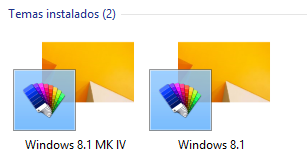
You should now see this new theme called "Windows 8.1 MK IV" below the default Windows 8 themes:
When you select it, you will now be able to notice the difference.
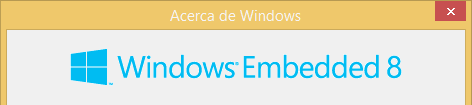
Now just change to any dark color to make it more fitting to what we want.
[ Back to Top ]
Conclusion §
And there you go. Titles and buttons being inverted as Windows 8/8.1 should have been doing for dark colors.
Enjoy.
[ Back to Top ]
|